THE CANVASLive preview
MonoSAMPLE STICKER

A little inspiration. Add your link to make it yours.
Upload any image and it shows right through your QR code, still scannable. Every example below was made in this studio and passed the scan check. Open one to try it yourself.
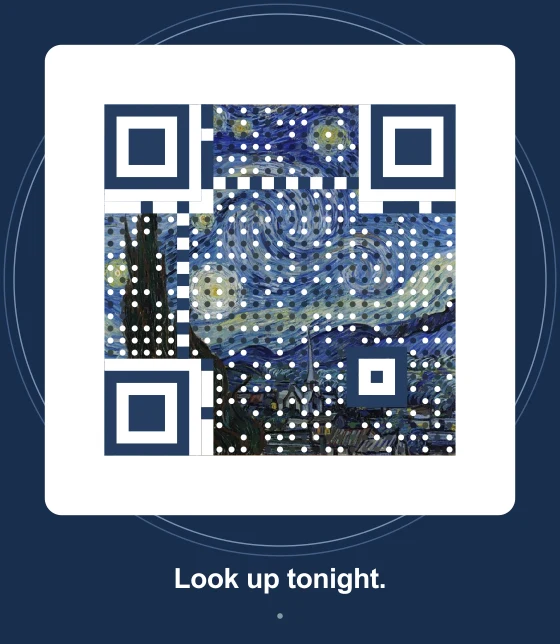
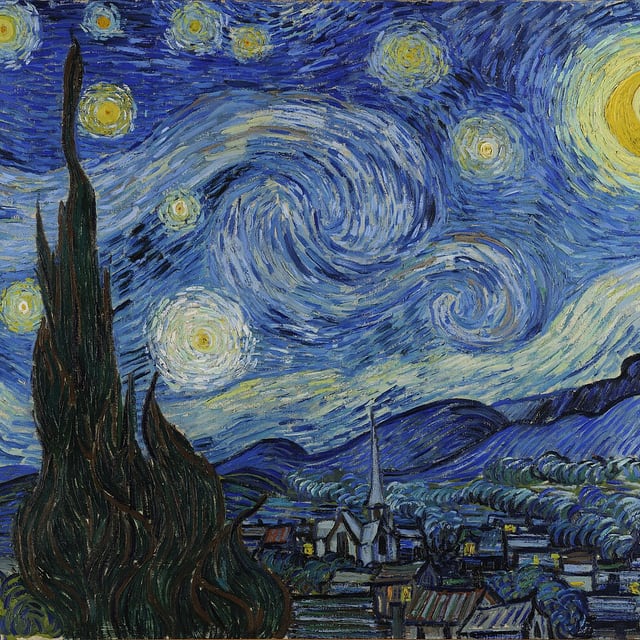
The swirling sky and cypress stay recognisable. Bright stars sit between the dots, while deep blues carry the code.
Try this image →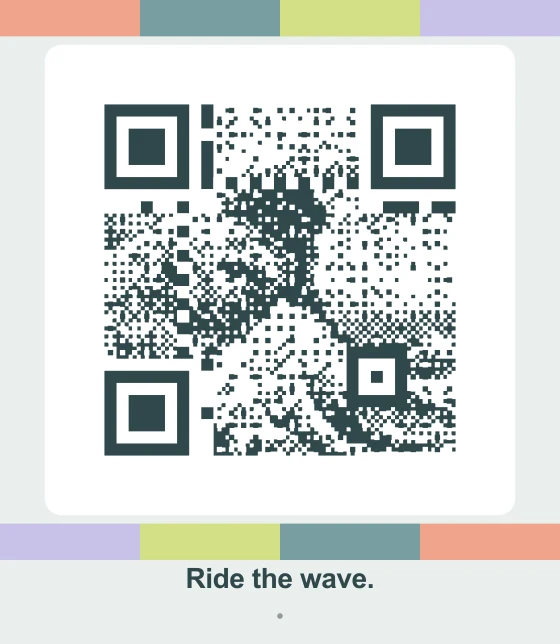
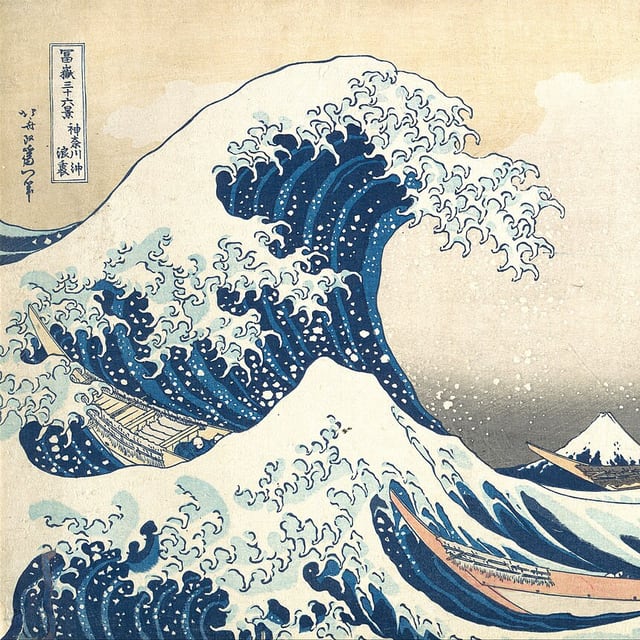
Halftone suits woodblock prints. The wave becomes a one-colour, print-style dither, with the code carried in each module's centre.
Try this image →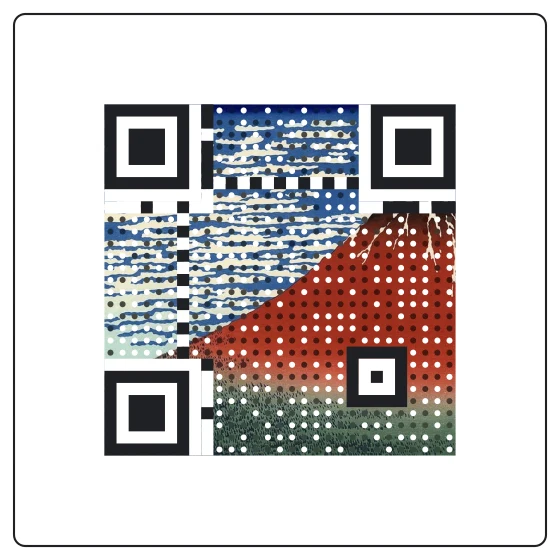

A simple composition is ideal: the red mountain and mackerel sky are unmistakable even at a glance.
Try this image →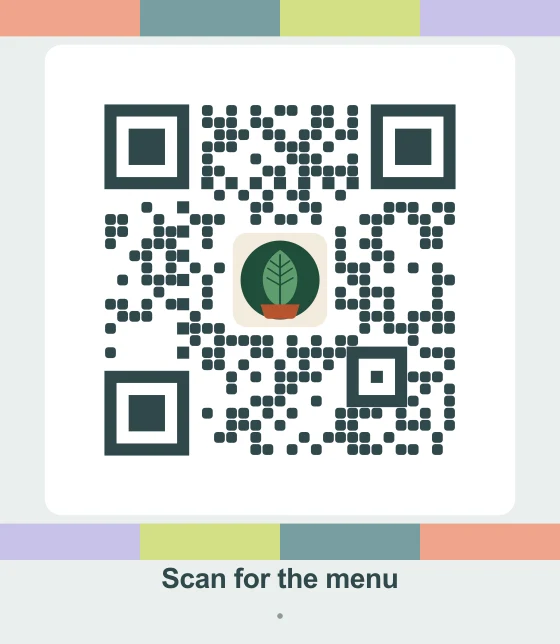

Logo style keeps a classic, highly scannable code and puts the mark front and centre: the familiar choice for cafés and shops.
Try this image →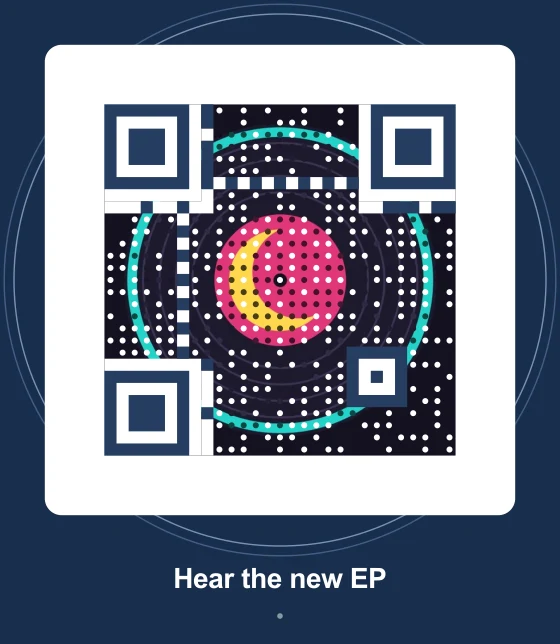

High-contrast marks on dark backgrounds are very legible. The neon ring and record label stay vivid.
Try this image →

A centred logo on a classic code is instantly recognisable and the most robust style.
Try this image →Every code uses the highest error-correction level (H) and keeps a clear four-module quiet zone, so styling does not come at the cost of scanning. Read the full studio guide.