Your image, in the code.
Every sticker here was made with the same studio you can use, from the image shown in its corner. Each one passed the automatic scan check.
When you add an image, QR Sticker crops it to a square and works it into the code. Phones read a QR code by sampling the centre of each module, which leaves room for the picture around those centres. The three corner squares and the timing marks always stay solid so cameras can find the code quickly. Every style below runs entirely in your browser; no AI or upload is involved.
One image, five styles
Choose a style after you upload an image. Every style is scan-checked, and the studio strengthens the code automatically if a check fails.
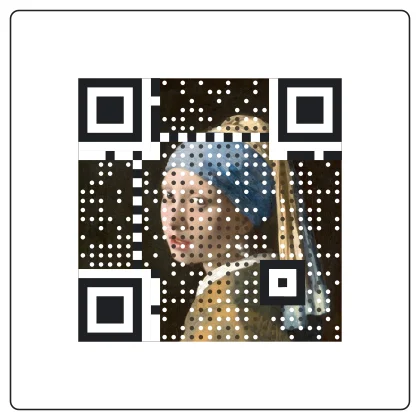 PictureYour image shows through, with code dots on top.
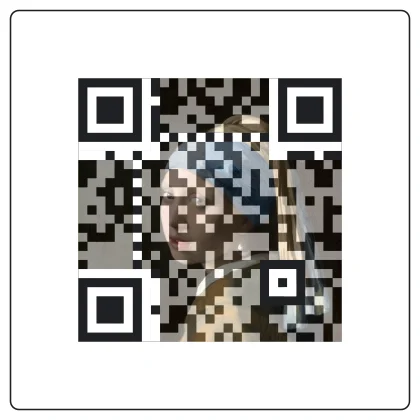 BlendA mosaic of your image, each square nudged lighter or darker.
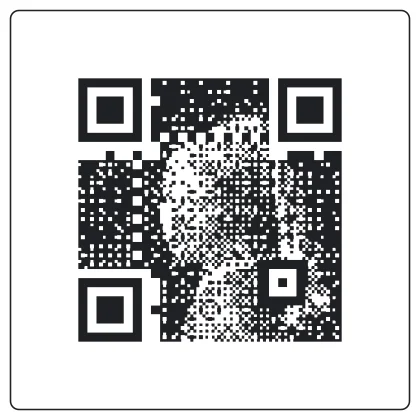 HalftoneA one-colour, print-style dither of your image.
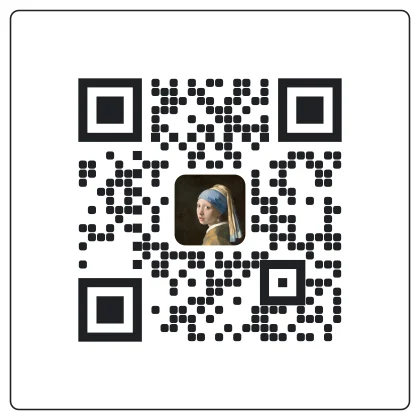 LogoA classic code with your image in the centre.
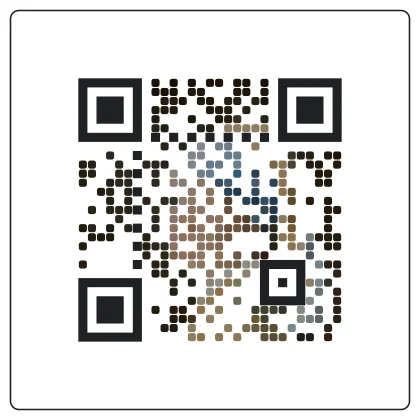 TintYour image's colours, on a classic code.
Famous paintings
These artworks are in the public domain. They show how different kinds of images translate: deep night skies, woodblock prints, portraits, gold leaf and soft impressionist colour.
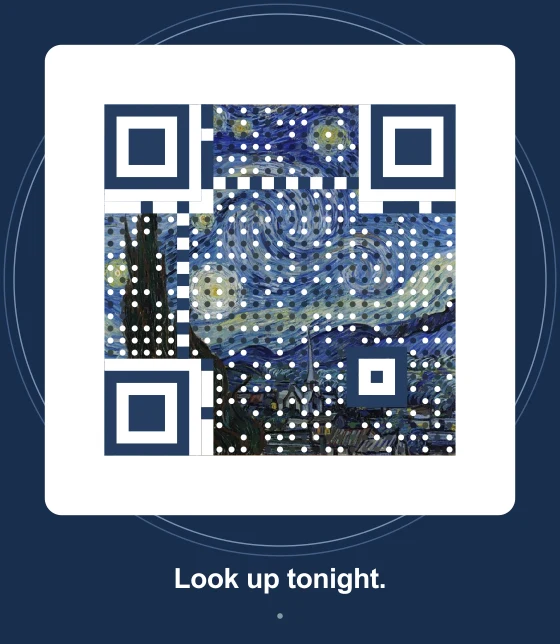
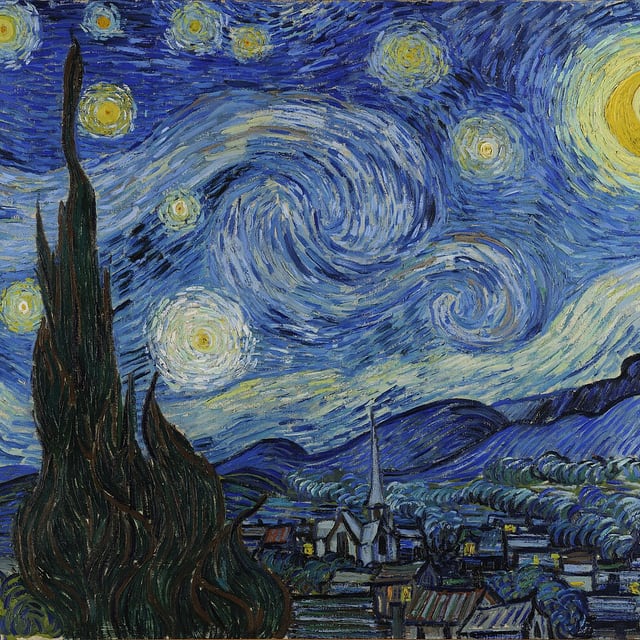 The Starry NightVincent van Gogh, 1889. Public domain.
The swirling sky and cypress stay recognisable. Bright stars sit between the dots, while deep blues carry the code.
Try this image →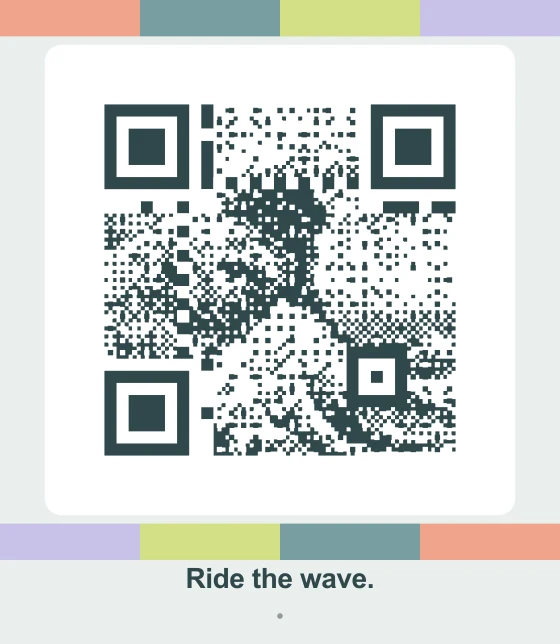
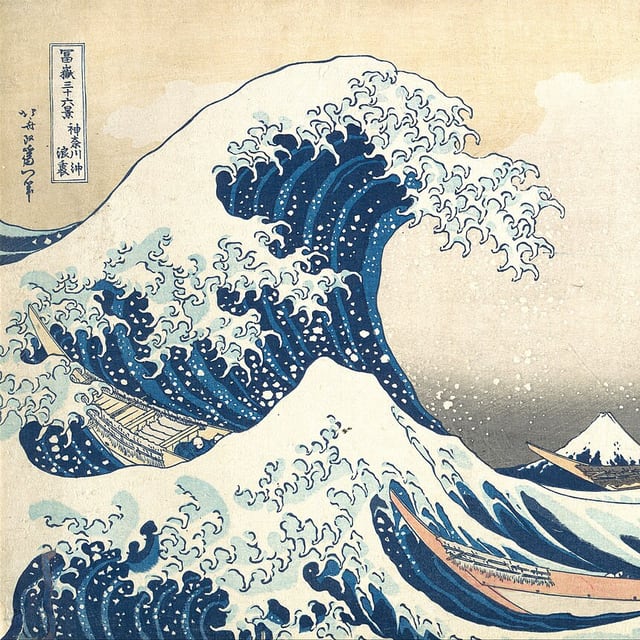 The Great Wave off KanagawaKatsushika Hokusai, c. 1831. Public domain.
Halftone suits woodblock prints. The wave becomes a one-colour, print-style dither, with the code carried in each module's centre.
Try this image →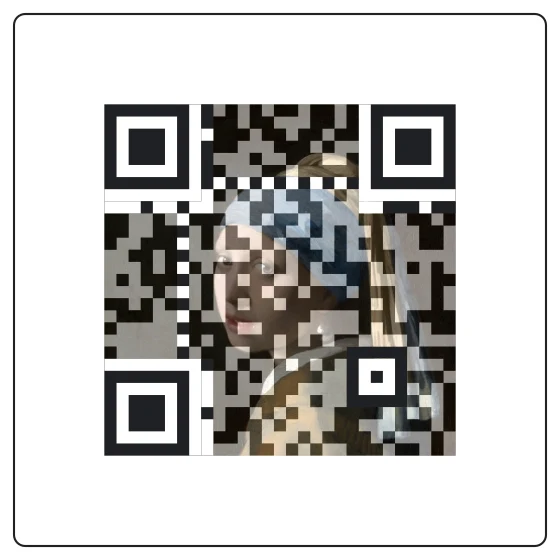
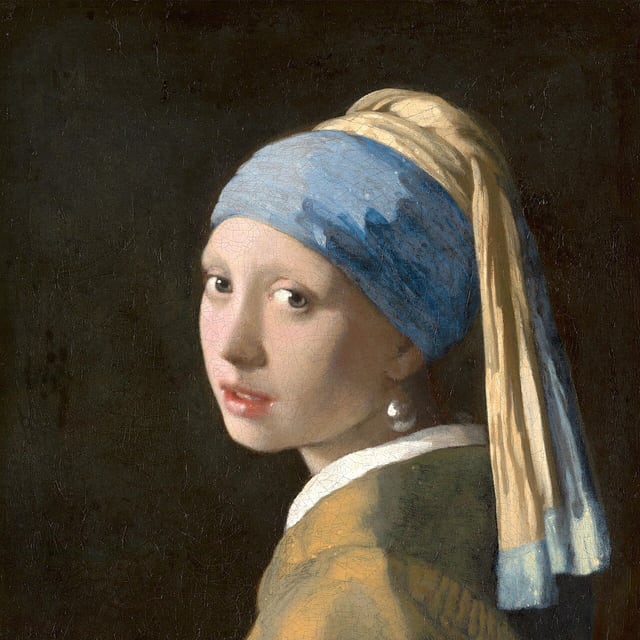 Girl with a Pearl EarringJohannes Vermeer, c. 1665. Public domain.
Blend keeps the portrait in full colour. Each square of the image is nudged darker or lighter to carry the code.
Try this image →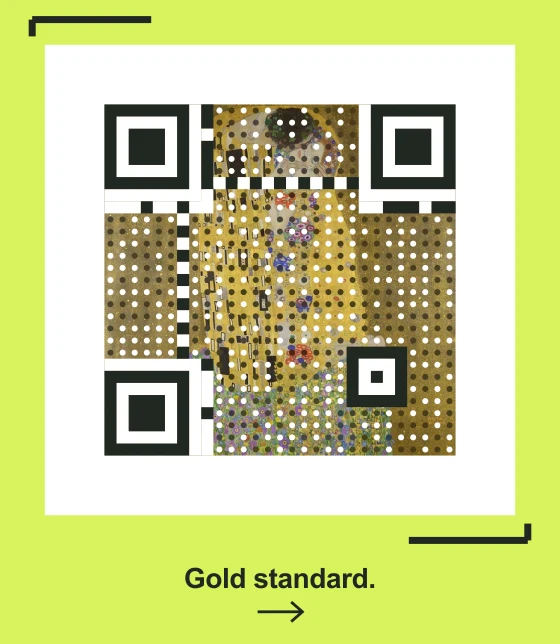
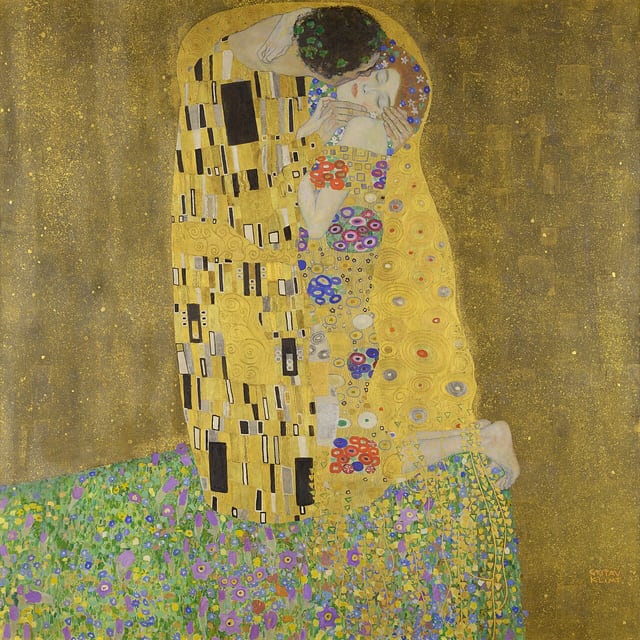 The KissGustav Klimt, 1907–1908. Public domain.
Gold leaf and pattern come through, though fine detail softens. Busy images read best printed large.
Try this image →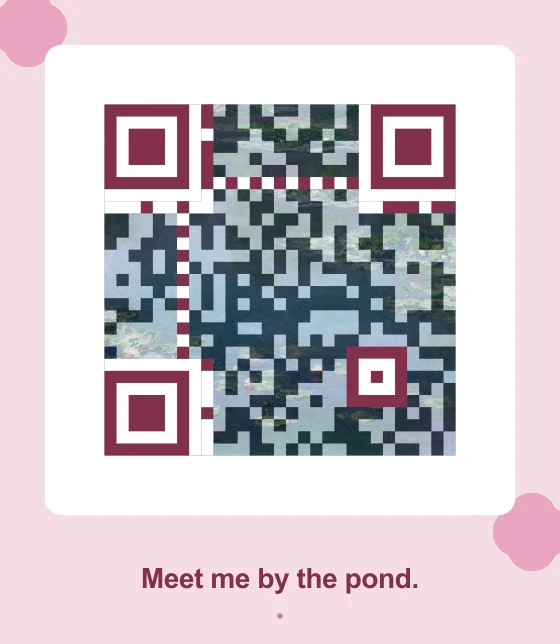
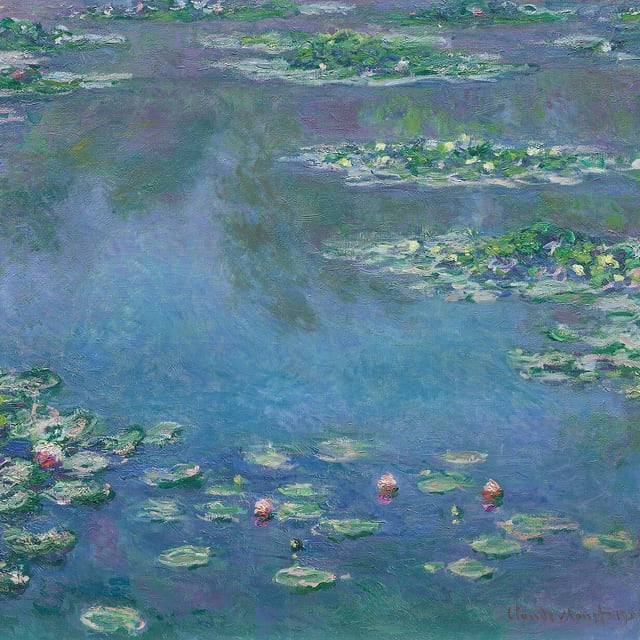 Water LiliesClaude Monet, 1906. Public domain.
Blend keeps Monet's soft colour, square by square, while still giving the scanner clear contrast.
Try this image →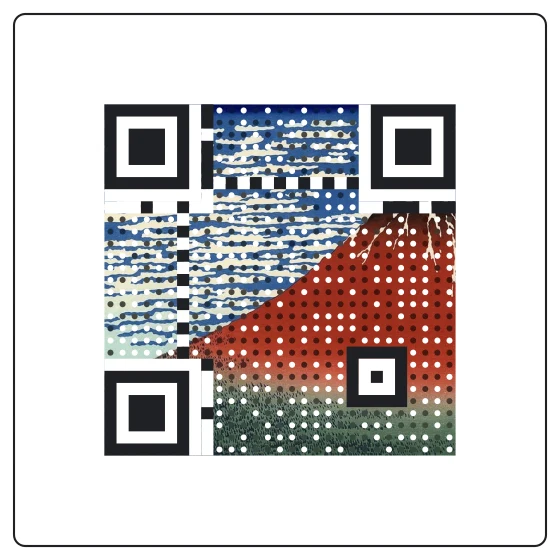
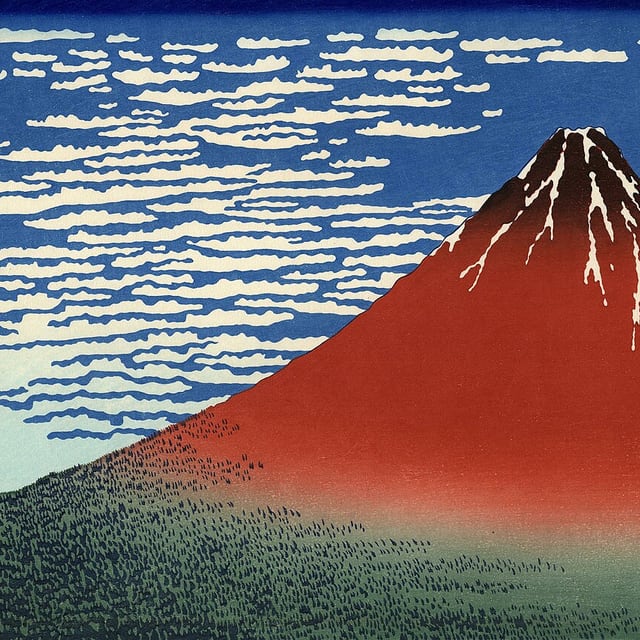 Fine Wind, Clear Morning (Red Fuji)Katsushika Hokusai, c. 1831. Public domain.
A simple composition is ideal: the red mountain and mackerel sky are unmistakable even at a glance.
Try this image →
Logo-style examples
Wondering how your logo would look? These brands are fictional, drawn for this page, but they use the bold shapes and brand colours of real small-business marks.
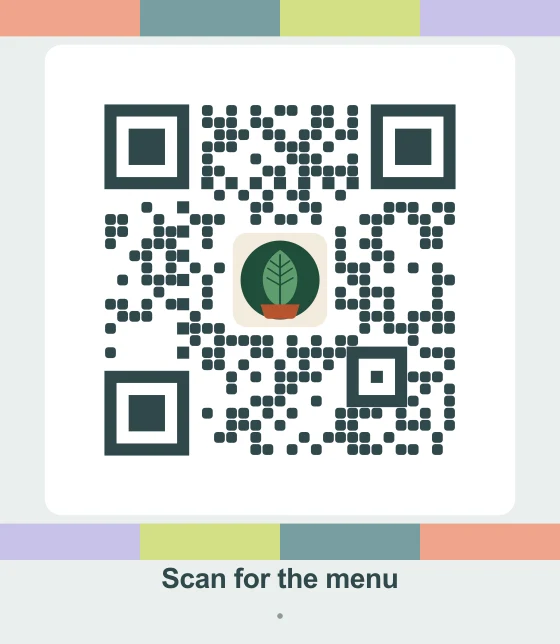
 Fern & FilterFictional café mark, drawn for QR Sticker.
Logo style keeps a classic, highly scannable code and puts the mark front and centre: the familiar choice for cafés and shops.
Try this image →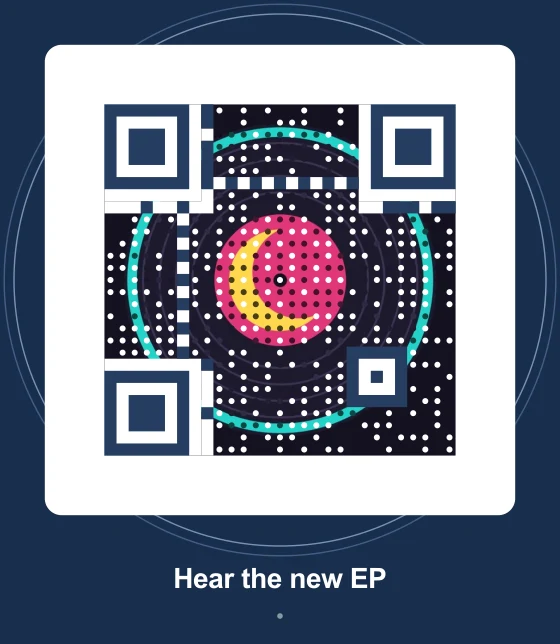
 Night Shift RecordsFictional record label, drawn for QR Sticker.
High-contrast marks on dark backgrounds are very legible. The neon ring and record label stay vivid.
Try this image →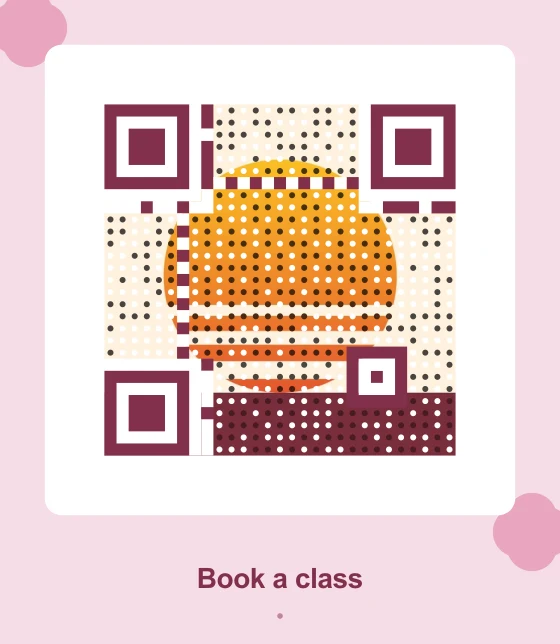
 Sol StudioFictional yoga studio, drawn for QR Sticker.
Simple sunset stripes stay readable behind the dots, and warm colours keep their glow.
Try this image →
 Harbor Tea Co.Fictional tea brand, drawn for QR Sticker.
A centred logo on a classic code is instantly recognisable and the most robust style.
Try this image →
Which images work best?
- Large, simple shapes stay recognisable behind the dots. Logos, silhouettes and bold paintings read best.
- Strong colour and contrast help the picture show through. Very busy detail softens at small sizes, so print those larger.
- Centred subjects survive the square crop. Crop wide images yourself before uploading if the subject is off to one side.
- Test before printing. Every sticker is scan-checked before download, but print one at final size and scan it with your phone too.
Use images you have the right to use. Your own logo, your own photos and public-domain artworks are safe choices. More tips are in our guide to colours and contrast.
Image credits
- The Starry Night: Vincent van Gogh, 1889. Public domain. Image via Wikimedia Commons.
- The Great Wave off Kanagawa: Katsushika Hokusai, c. 1831. Public domain. Image via Wikimedia Commons.
- Girl with a Pearl Earring: Johannes Vermeer, c. 1665. Public domain. Image via Wikimedia Commons.
- The Kiss: Gustav Klimt, 1907–1908. Public domain. Image via Wikimedia Commons.
- Water Lilies: Claude Monet, 1906. Public domain. Image via Wikimedia Commons.
- Fine Wind, Clear Morning (Red Fuji): Katsushika Hokusai, c. 1831. Public domain. Image via Wikimedia Commons.
- Fern & Filter, Night Shift Records, Sol Studio and Harbor Tea Co. are fictional brands created for QR Sticker.